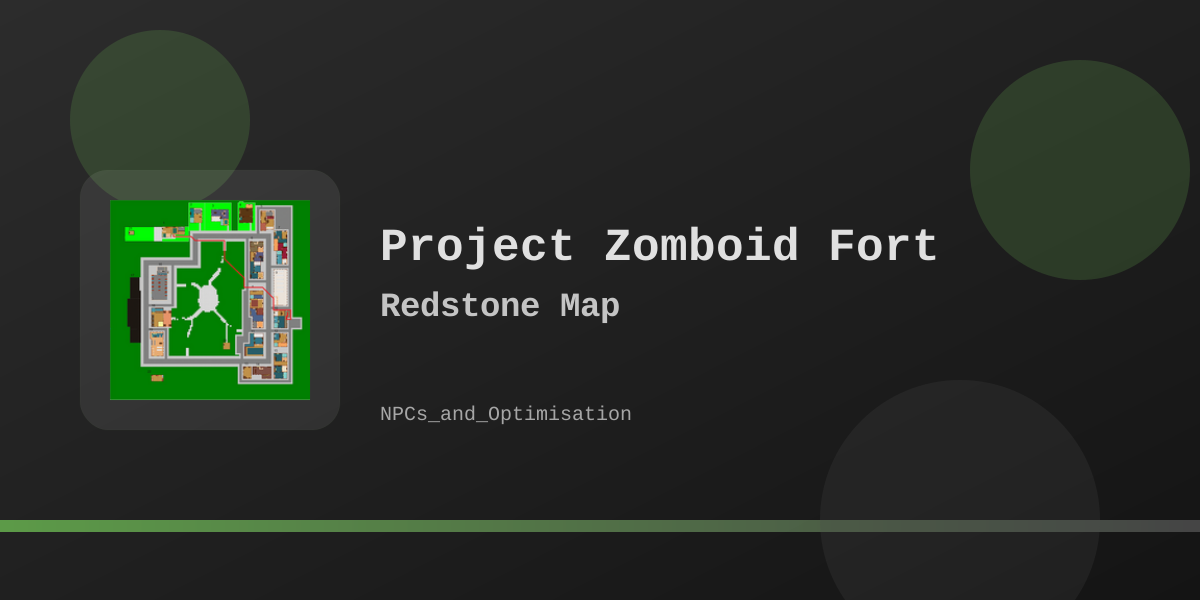
Storming Fort Redstone: Prep Checklist (Build 41 Map Mod)
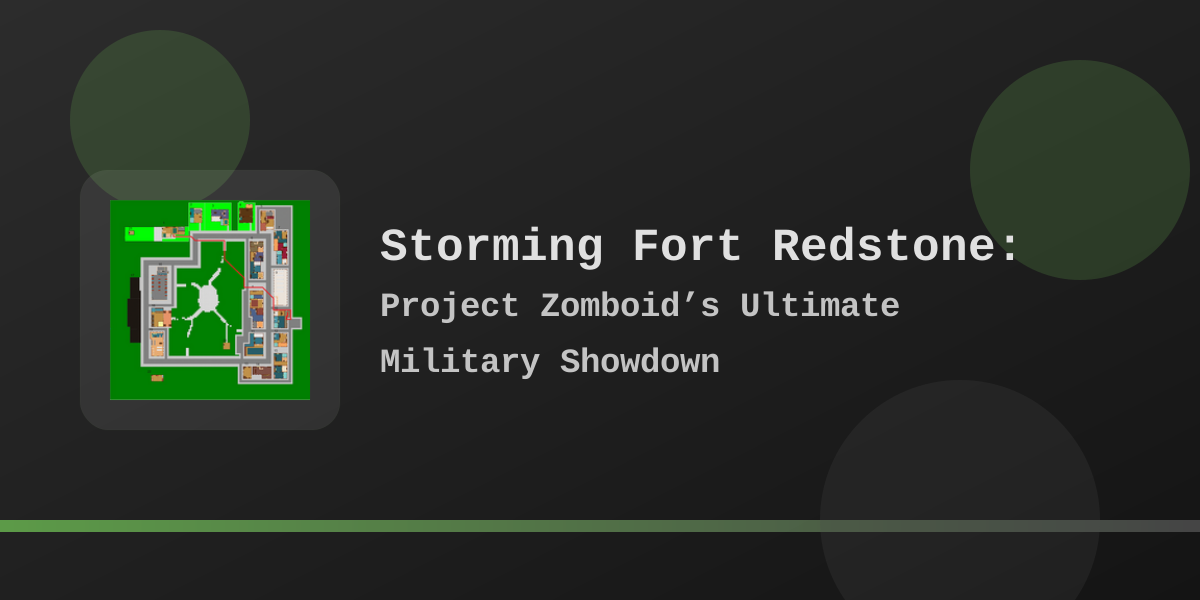
Third-party military base map · Tags: Map · Military · Build 41 prep checklist (not a live Build 42.19 raid map)
1516836158 is public: tags Map · Military, last file update 2022-08-20, package size about 12.1 MB, roughly 1.3M current subscriptions.
The Workshop description states the map is not compatible with Build 42 yet and that a B42 port is on hold until official map tools ship.
Use this page for mod IDs, install notes, access routes, and a plain prep checklist on a matching Build 41 setup.
Fort_Redstone), use
Fort Redstone map guide.
For official Knox Country towns, use the
maps hub.
Mod identity (Steam Workshop)
1516836158FORTREDSTONEFortRedstoneOfficial listing: Steam Workshop — Fort Redstone (1516836158).
Availability and Build 42 status
- Public on Steam: not banned; subscribe through Steam when you run a Build that matches the author’s support window.
- Build 42: author description opens with an explicit “not compatible with build 42 yet” note. There is no Build 42 tag on the Workshop item.
- Last content update: 2022-08-20. Treat community screenshots, old YouTube runs, and third-party loot lists as outdated until you confirm them in your own Build 41 install.
- Before you enable it: recheck the Workshop description for B42 notes, then test on a new world—not a long-running save.
Install and load order
WorkshopItems (download), Mods (load ID), and Map (map folder). Filling only Mods is incomplete for a map pack.
Single player (Build 41)
- Subscribe to Workshop item 1516836158 and let Steam finish downloading.
- Main menu → Mods → enable
FORTREDSTONE. - Start a new game for a clean map load. Adding a major map mod mid-save often leaves missing chunks or broken cells.
- There is no start spawn on the fort (author note). Travel northwest from Rosewood until the road sign appears.
Dedicated / hosted server example
WorkshopItems=1516836158
Mods=FORTREDSTONE
Map=FortRedstone;Muldraugh, KY
WorkshopItemsdownloads the package by Steam ID.ModsloadsFORTREDSTONE(the Workshop Mod ID).Mapmust include folderFortRedstoneplus your vanilla map root (commonlyMuldraugh, KY). Separate folders with semicolons.- Clients need the same Workshop content and Mod ID. Restart the server after changing WorkshopItems so the download can finish.
- Test map packs on a new world before promoting them to a long-running save. Watch for cell overlaps with other map mods.
Broader server notes: How to add mods to a Project Zomboid server.
Location and access (from Workshop description)
Author text places the base northwest of Rosewood. You must travel there; the fort is not a character-creation start.
| Route (author text) | What it means for prep |
|---|---|
| Front entrance / vehicle gate | Author says vehicle access needs a sledgehammer to clear barriers. On foot you may still face a denser approach; treat density as sandbox-dependent, not a fixed count. |
| Rear vehicle access through the forest | Author describes a rear vehicle route that does not require a sledgehammer. Scout the tree line in-game to find the path that matches your tools. |
| Perimeter fence breaches | Author notes foot entry through fence breaches. Useful if you lack a sledgehammer or want a quieter approach. |
| Guard towers | Author notes climbing guard towers is no longer possible on the current Workshop revision. |
Features listed by the author
From the Steam Workshop description for item 1516836158 (revision dated 2022-08-20):
- Appears on the in-game map system when the mod loads correctly.
- Updated loot distributions (author claim; individual containers not listed here).
- Custom vehicle spawn points aimed at modded military vehicles (vanilla vehicles only if the base game or another vehicle mod uses those zones).
- Custom tilesets, including tiles associated with the Louisville-era update window.
- Base layout expanded relative to older revisions; front vehicle gate needs a sledgehammer; rear forest vehicle route does not; fence breaches for foot entry.
- No starting spawn on the fort; travel northwest from Rosewood to the road sign.
- Guard towers no longer climbable.
Raid prep checklist
Check what you actually have, then generate a plain gap list. The tool does not rate Easy / Hard / “Suicide Mission,” loadout scores, or survival percentages.
Military bases are high-risk even with good gear. Sandbox zombie population, hearing, and sprinter settings dominate difficulty more than any checklist.
Weapons and tools
Protection and medical
Logistics
Plan
Generic approach notes
- Scout first: circle the tree line, count density near each approach, and pick an entry that matches your tools (sledge / rear route / fence breach).
- Noise budget: sledgehammer and firearms pull large groups. Clear small packs with melee when you can; keep a retreat path open.
- One building at a time: secure a door, loot, rest, then expand. Do not treat the fort as a single room clear.
- Vehicle plan: if you need the front gate for a truck, bring a sledgehammer and a way to leave under pressure. Rear forest access is the author-stated alternative.
- Loot expectations: military-themed cells often hold weapons, ammo, and gear when distributions and sandbox loot settings allow it. Nothing on this page guarantees M16s, MREs, access cards, blood bags, or helicopter parts.
Vanilla carry-weight notes (Build 42.19)
The table below is vanilla Build 42.19 base weight only—useful for packing sense, not a full encumbrance calculator. Fluid containers, magazines inside guns, bag weight reduction, and condition are not applied. Build 41 item files can differ slightly; check the in-game inventory tooltip on your build.
| Item | Base Weight | Note |
|---|---|---|
| Sledgehammer | 6.0 |
Author front-gate vehicle tool; heavy for long fights on foot. |
| M16 (Assault Rifle) | 4.0 |
Vanilla military rifle; loot presence on Fort Redstone depends on mod and sandbox settings. |
| Shotgun / Hunting Rifle | 4.0 each |
Long guns are heavy before ammo is counted. |
| M9 Pistol | 1.5 |
Lighter sidearm option in vanilla scripts. |
| Axe | 3.0 |
Common primary melee weight class. |
| Crowbar / Baseball Bat / Machete | 2.0 each |
Mid-weight melee options for quiet clears. |
Empty petrol cans start light; filled weight depends on capacity and fluid level. Read the inventory tooltip for your can and fill level instead of using a flat “full gas can = +5” rule of thumb.
Limits and caveats
- No fixed zombie count, ammo haul size, or “largest military loot pile” claim—density and loot follow sandbox and mod settings.
- No Common / Uncommon / Rare loot table for MRE, Military ID, Access Card, Classified Documents, Blood Bag, Flight Goggles, Camouflage Netting, or Helicopter Parts. Confirm containers in your own install.
- No interactive base map with building coordinates. Use the in-game map or the archived pins on the Fort Redstone map guide.
- No Easy / Hard / Suicide Mission rating from a skill slider or loadout score.
- No total weight that pretends to be the game’s full encumbrance system.
- No promise that Fort Redstone loads cleanly on Build 42.19. Recheck the Workshop description before enabling it on 42.x multiplayer or unstable.
Related guides
Related Articles